Guides & Education
How to Prep Your Logo File for Sign Production
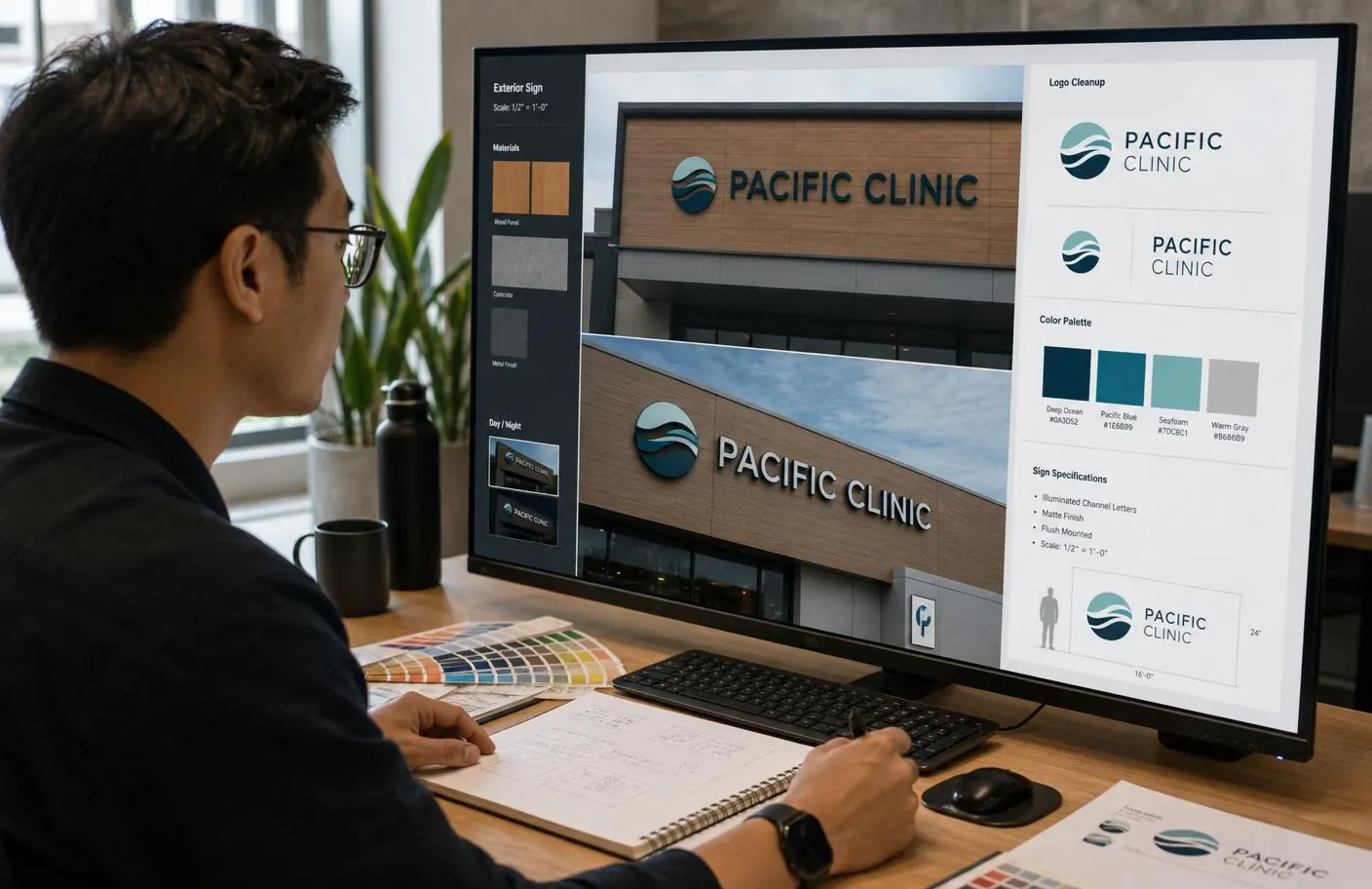
A logo that looks crisp on a website or a business card can be completely unusable for sign fabrication — not because the design is wrong, but because the file format doesn't carry the information a router, printer, or laser needs to cut or print it accurately. Sending the right file the first time is one of the easiest ways to keep a sign project from stalling before it even starts.
Here's what fabricators actually need, and the most common file problems that add time to a project.
Vector, not raster — and why it matters
A vector file (AI, EPS, SVG, or vector-based PDF) is built from mathematical paths, so it scales to any size — a business card or a 20-foot sign — without losing quality. A raster file (JPG, PNG, low-res PDF) is built from pixels, and enlarging it past its native resolution introduces blur and jagged edges that show up badly at sign scale.
- Best: native vector files — AI, EPS, or SVG
- Workable: high-resolution PDF with vector paths intact (not a flattened export)
- Problematic: JPG, PNG, or any raster file, especially at low resolution
- Not usable as-is: a logo screenshotted off a website
If all you have is a raster file
It's not a dead end — a designer can vector-trace (redraw) a raster logo into clean vector paths. This adds a design step and a little time, but it's a normal, routine part of sign production. What it can't do is preserve fine detail that was never in the original file — a very low-resolution starting point limits how precisely the trace can match the original.
Color specification in Southwest Washington
- Provide exact Pantone (PMS) spot colors if you have them — this is the industry standard for consistent color matching across materials
- If you don't have Pantone values, RGB or hex codes from your brand guide are a workable starting point, though the closest Pantone match still needs to be confirmed against a physical color chip
- Avoid relying on "it should look like the website" — screen colors and physical material colors don't always translate directly
Font and typography considerations
If your logo uses custom typography, provide the actual font file or confirm the exact typeface and weight. Converting text to outlines (paths) in the vector file before sending is the safest way to guarantee the typography reproduces exactly, since it removes any dependency on the fabricator having the same font installed.
What to send along with the logo file
- Brand guidelines document, if one exists — clear space rules, minimum size, color variations
- Any existing sign photos or specs, if this is a rebrand or update to existing signage
- A note on which elements are essential versus flexible, if the logo needs to be adapted for a specific sign format (e.g., a wordmark that needs to work as both a wide channel letter set and a square lobby sign)
Common problems that slow production down
- Sending a logo as a Word or PowerPoint file with no underlying vector art
- Sending only a social media profile photo, which is typically low-resolution and cropped
- No color specification at all, leaving color matching to guesswork
- Multiple slightly different logo versions with no indication of which is current
Frequently asked questions
- What if I don't have any digital file of my logo at all?
- A sign company's design team can typically recreate a logo from a clear physical reference — a printed piece, an existing sign, or even a good photo — though this adds a design step. It's still very doable; just flag it early so it's scoped into the timeline.
- Do I need to pay extra for file cleanup or vector tracing?
- Often it's included as part of the design phase on a sign project, but confirm with your specific sign company — some scope it separately for very extensive cleanup work versus a simple trace.
- Can I just send my logo from Canva or a similar design tool?
- Export as a true vector format (SVG or PDF with vector paths) rather than a PNG or JPG if your tool supports it — many online design tools default to raster export unless you specifically choose a vector option.
Talk to ESCO Pacific
Have a sign project in mind?